
 By hunger game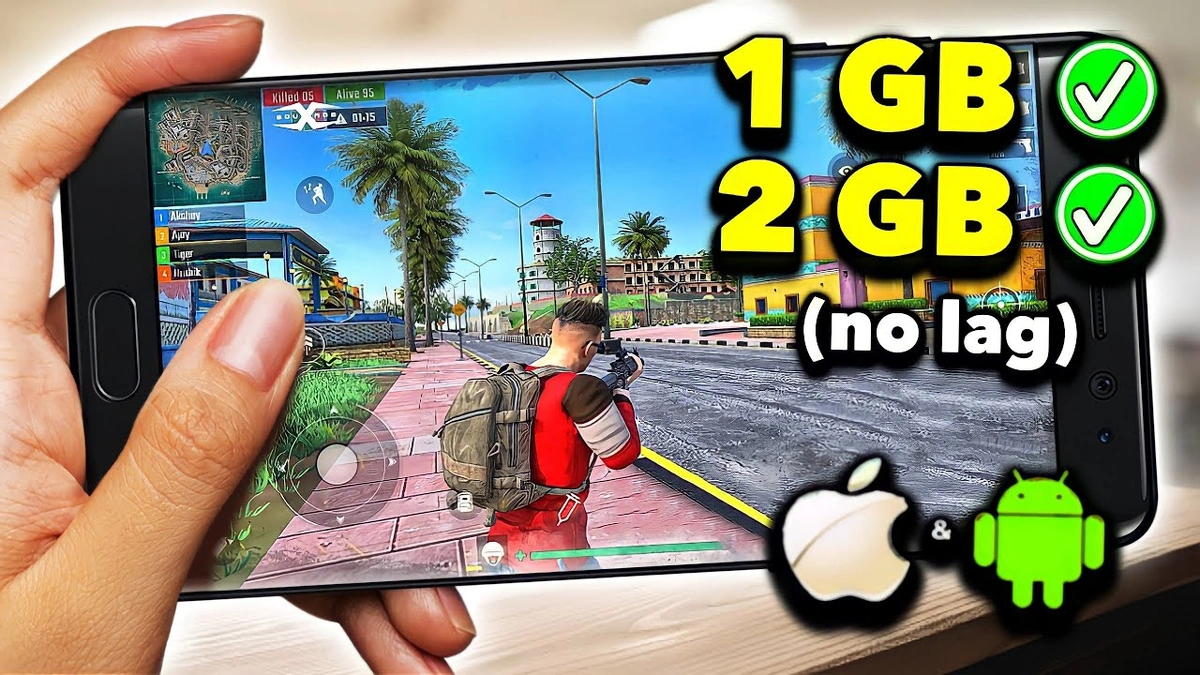
Let’s be honest. Owning a smartphone with just 2GB RAM in today’s mobile gaming landscape often feels like being stuck in the slow lane while everyone else is zipping by in sports cars. You scroll through the Google Play Store, eyes wide with anticipation, only to see ‘This app is not compatible with your device’ or, worse, download a game that runs like a slideshow. Frustrating, right? We’ve all been there, that moment of dread when a promising title turns into a pixelated nightmare.
But here’s the thing: your 2GB RAM phone isn’t a lost cause. Far from it! What if I told you there’s a treasure trove of genuinely fantastic, engaging, and utterly playable Android games perfectly suited for your device? It’s not about settling for boring; it’s about knowing where to look and understanding what makes a game truly performance-friendly Android games . My goal today is to guide you, personally, through the maze, showing you exactly how to transform your budget smartphone into a surprisingly capable gaming machine. Forget the frustration; let’s unlock some serious fun!
The Secret Sauce | What Makes a Game 2GB-Friendly?
So, what’s the magic trick? Why do some visually stunning games run smoothly while others, seemingly simpler, chug along? It largely boils down to optimization and developer choices. Think of it this way: a good chef can make a gourmet meal with simple ingredients if they know their craft. Similarly, skilled game developers can create incredible experiences that are also lightweight Android games .
From my experience, the key lies in how a game manages its resources. High-end graphics are often the first culprit, but it’s not just about polygons and textures. It’s also about complex physics engines, real-time lighting, vast open worlds that need constant loading, and a multitude of background processes. Games that are explicitly designed for broader accessibility, or older titles, often have simpler asset management, less demanding background calculations, and fewer simultaneous processes hogging your precious RAM. These are your ideal candidates for a smooth 2GB RAM gaming experience .
Many developers, especially those focused on the Indian and Southeast Asian markets where budget phones are prevalent, put extra effort into creating optimized mobile games . They understand the limitations and build their games from the ground up to be less resource-intensive. This is why you’ll find some absolute gems that defy expectations and offer genuinely good gameplay without asking for an exorbitant amount of memory or processing power. It’s about smart design, not just raw graphical muscle.
Your Go-To List | Top-Tier Games for Your Phone
Alright, enough theory. Let’s get to the good stuff – the actual games! This isn’t just a random list; these are titles I’ve personally seen run beautifully on various budget gaming phones , offering a truly engaging experience without the dreaded lag. We’re talking about games that prove you don’t need a flagship device for decent mobile entertainment.
Action & Adventure That Won’t Lag
- Subway Surfers: An evergreen classic for a reason. Its vibrant graphics and fast-paced endless runner gameplay are incredibly well-optimized. It’s a perfect example of a game that looks good and runs great, offering endless fun and quick bursts of excitement on any device, including those with 2GB RAM.
- Temple Run 2: Similar to Subway Surfers, this game is a masterclass in optimization. The environments are richer, the power-ups more diverse, but it still maintains fantastic performance on lower-spec devices. It’s proof that smooth gameplay on low-end devices is not just a dream.
- Dead Trigger 2: A surprisingly capable first-person shooter that, despite its impressive zombie-slaying action and graphics, offers scalable settings. You can tweak it down for a buttery-smooth experience, making it one of the best Android games for 2GB RAM phones if you love a good shooter.
- Shadow Fight 2/3: These fighting games are renowned for their fluid animations and stylish combat. While Shadow Fight 3 is more demanding, its optimization allows it to run surprisingly well on lower settings, while Shadow Fight 2 is almost guaranteed to be a hit.
Puzzle & Strategy | Engage Your Brain, Not Your RAM
- Candy Crush Saga (and its many siblings): These match-3 games are incredibly addictive and light on resources. Perfect for quick sessions or long commutes, they are the epitome of lightweight Android games that offer deep engagement.
- Plants vs. Zombies 2: A tower defense classic with charming graphics and strategic depth. PopCap games are known for their accessibility, and PvZ 2 is no exception. It runs wonderfully, providing hours of strategic fun.
- Bad Piggies: From the creators of Angry Birds, this physics-based puzzle game lets you build contraptions. Its 2D nature and clever design mean it’s incredibly light and endlessly replayable, making it a fantastic choice for offline games for 2GB RAM.
Racing & Sports | Feel the Speed, Not the Stutter
- Asphalt Nitro: Gameloft specifically designed this version of their popular racing franchise to be compact and optimized for lower-end devices. It packs impressive graphics and arcade racing thrills into a tiny package, delivering a high-octane experience without taxing your phone.
- Real Racing 3: While more demanding than Nitro, Real Racing 3 often surprises with its scalability. On lower settings, it can still deliver a very respectable racing experience, proving that even graphically intense games can be enjoyed with a bit of tweaking.
This list is just the beginning. The world of best free Android games for 2GB RAM is vast, and many older, beloved titles also fall into this category. Don’t shy away from exploring games that might be a couple of years old; they often provide superior performance and equally rich experiences.
Beyond the Game | Tweaks for a Better Experience
Even with the most optimized games, a little bit of user intervention can go a long way in ensuring mobile gaming without lag . Think of these as your personal pit crew tips to get the absolute best out of your device.
Free Up That RAM!
This is probably the most crucial step. Before you launch a game, close all unnecessary background apps. Seriously, every single one. Apps like Facebook, Instagram, WhatsApp, and even your browser can be silently hogging precious memory. Go into your recent apps menu and swipe them away. Some phones have a ‘Boost’ or ‘Clean’ function in their settings or a dedicated app, which can be helpful. Remember, RAM is like your phone’s short-term memory; the more free it is, the faster your game can access what it needs.
Clear Cache and Storage
Over time, apps accumulate cache data, which can slow things down. Regularly clearing the cache for your gaming apps and even your entire phone can make a noticeable difference. Also, check your internal storage. If it’s nearly full, your phone struggles to allocate space for temporary files, which can impact performance. Delete old photos, videos, or unused apps. A good rule of thumb is to keep at least 15-20% of your storage free. For more generalmobile gaming tips, keeping your device clean is paramount.
Disable Background Data and Notifications
While playing, consider temporarily disabling background data usage for other apps. This prevents them from trying to update or send notifications, which can cause micro-stutters and eat up bandwidth. Similarly, turn off notifications. Nothing ruins immersion like a WhatsApp message popping up mid-boss fight!
Developer Options (Use with Caution!)
For the more adventurous, Android’s Developer Options (usually enabled by tapping ‘Build Number’ seven times in ‘About Phone’) offer some advanced tweaks. You can reduce animation scales, which makes the UI feel snappier, or even force GPU rendering for 2D drawing. However, proceed with caution here; messing with these settings without understanding them can lead to instability. For a deeper dive intoAndroid optimization techniques, Wikipedia can be a good starting point, but always be careful.
The Future of Budget Gaming | What’s Next?
It’s an exciting time to be a gamer, even with a budget device. While flagship phones push boundaries, developers are increasingly aware of the vast market of users with more modest hardware. We’re seeing more games with scalable graphics options, ‘Lite’ versions of popular titles, and a resurgence of simpler, yet deeply engaging, gameplay mechanics. The rise of cloud gaming services also promises a future where your phone’s RAM might matter less than your internet connection, but that’s a story for another day.
For now, embrace the wealth ofoptimized gamesthat already exist. Many classic PC and console titles are finding new life as retro games for Android , often perfectly suited for lower-spec phones. The focus is shifting from pure graphical fidelity to compelling narratives and addictive gameplay, which is fantastic news for anyone with a 2GB RAM phone . The market for budget-friendly gaming is only growing, meaning more and more developers will cater to your needs. This is why understanding optimization is such a powerful tool.
Your Burning Questions, Answered!
Can I really play new games on my 2GB RAM phone?
Yes, absolutely! While you might miss out on the most graphically intensive AAA mobile titles, many newer games are designed with optimization in mind, offering scalable graphics or being inherently less demanding. Focus on indie games, puzzle games, and titles specifically advertised as ‘lite’ or ‘optimized’ for a better experience. It’s all about smart choices.
How can I improve performance while gaming?
The best steps are to close all background apps, clear your phone’s cache, ensure you have sufficient storage space, and disable notifications. If your phone has a ‘Game Mode’ or ‘Performance Mode,’ enable it. These simple actions make a huge difference in ensuring smooth gameplay on low-end devices .
Are there good offline games for 2GB RAM?
Definitely! Many of the best-optimized games, especially puzzle, arcade, and single-player adventure titles, are fully playable offline. Think classics like Subway Surfers, Temple Run 2, Plants vs. Zombies 2, Bad Piggies, and many more. They’re perfect for commutes or when you’re without an internet connection.
What are the best settings for low-end Android devices?
Always opt for ‘Low’ or ‘Medium’ graphics settings if a game offers them. Disable shadows, anti-aliasing, and reduce texture quality. Frame rate is often more important than visual fidelity for a good gaming experience, so prioritize that. Many optimized mobile games will automatically suggest lower settings, which is a good starting point.
Where can I find more optimized mobile games?
Look for games from developers known for optimization (like Gameloft’s ‘Nitro’ series or indie studios). Check game reviews for mentions of performance on lower-end devices. Google Play Store often features ‘lightweight games’ collections. Also, don’t underestimate older popular titles; they often run flawlessly.
So, there you have it. Your 2GB RAM phone isn’t a limitation; it’s an opportunity to discover some truly fantastic, often overlooked, mobile gaming experiences. By understanding how games are optimized, choosing wisely from a curated list, and applying a few simple tweaks, you can absolutely enjoy hours of engaging gameplay. No more excuses, just pure, unadulterated fun. Happy gaming!