
 By hunger game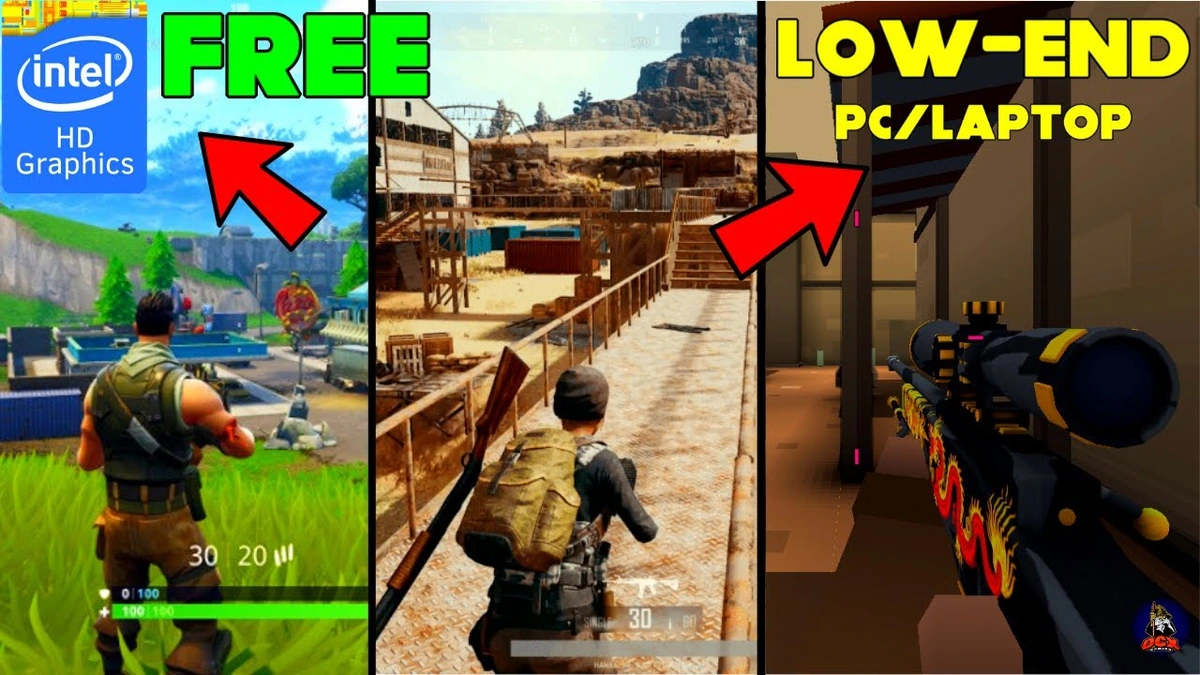
Hey there, fellow gamer! Let’s be honest, we’ve all been there, right? You’ve got that trusty (or perhaps, slightly rusty) old PC humming along, and you’re itching for some serious gaming action. But then reality hits: those shiny new AAA titles demand a graphics card that costs more than your entire setup, and your bank account is giving you the side-eye. The frustration is real, the sigh is deep, and you start wondering if high-quality gaming is just a pipe dream for those with monster rigs.
Well, what if I told you that you don’t need a supercomputer to dive into incredibly fun, engaging, and absolutely free PC games? That’s right! As someone who’s spent countless hours navigating the fascinating world ofPC gamingon everything from a powerhouse to a potato, I can confidently say that the universe of Best Free PC Games For Low End PC is vast, vibrant, and waiting to be explored. This isn’t just a list; it’s your secret guide, a roadmap to enjoying fantastic experiences without spending a single rupee on the game itself, and often, without needing to upgrade your hardware.
The trick isn’t just finding games that are ‘free.’ It’s about finding those gems that are genuinely enjoyable, incredibly well-made, and crucially, play nice with older or less powerful systems. We’re talking about games that prove you don’t need the latest ray tracing to have a blast. So, grab a chai, settle in, and let’s unlock some serious gaming potential together.
The Low-End PC Dilemma | Understanding Your Machine’s Strengths (and Weaknesses)

Before we dive into the treasure trove of free games, it’s vital to understand what we’re working with. Your low-end PC gaming experience largely hinges on its core components: the CPU (processor), RAM (memory), and perhaps most importantly for gaming, the GPU (graphics processing unit). Chances are, if you’re reading this, you might be running an integrated graphics card rather than a dedicated one. This isn’t a death sentence for gaming; it just means we need to be smart about our choices.
So, why do these components matter? Simply put, modern games are designed with incredible visual fidelity and complex physics in mind, demanding a lot from your hardware. An integrated GPU shares memory with your main RAM, which can be a bottleneck. Older CPUs might struggle with multitasking and processing complex game logic quickly. But here’s the silver lining: many developers, especially in the indie and free-to-play space, understand this limitation and optimize their games to be incredibly scalable, meaning they can run on a wide range of hardware, including yours! We’re talking about games that have realistic `minimum system requirements` and often look surprisingly good even on the lowest settings.
Our goal isn’t to force a square peg into a round hole. It’s to identify those round pegs that fit perfectly, offering a smooth and enjoyable `gaming on a budget` experience. This involves looking for games with simpler graphics, older engines, or those specifically designed to be lightweight PC games. It’s about leveraging what your machine can do, rather than lamenting what it can’t.
Navigating the Free-to-Play Universe | Where to Find Your Next Addiction
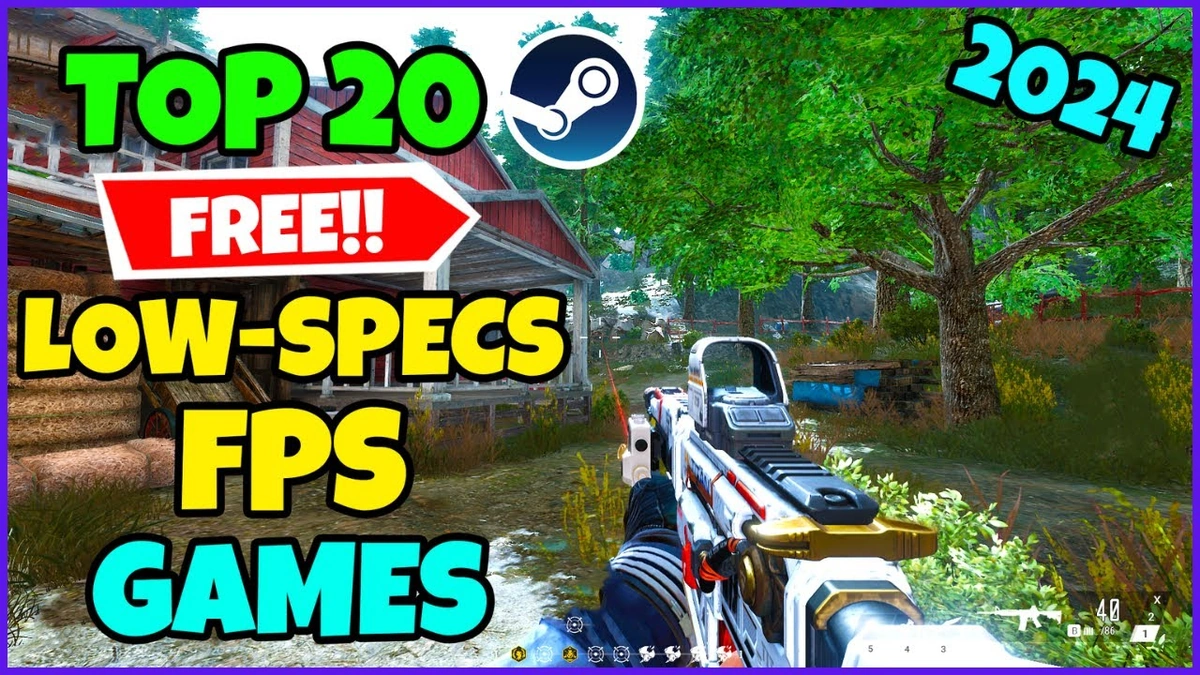
The beauty of modern gaming is the sheer accessibility of free-to-play games PC. Seriously, the options are staggering! But where do you even begin to look for games that won’t make your PC cry? Let me guide you through the digital storefronts where the magic happens:
- Steam’s Free to Play Section: This is probably your first port of call. Steam is the undisputed king of PC gaming platforms, and its “Free to Play” category is a goldmine. You’ll find everything from massive online multiplayer games (MMOs and MOBAs) to charming indie experiences. Filter by popular, and then check the system requirements carefully. Many of these titles, like Dota 2 or Team Fortress 2, have been around long enough to be incredibly optimized for older hardware. You can check out the vast collection right on Steam’s Free to Play page.
- Epic Games Store’s Weekly Freebies: While not a constant library like Steam, Epic Games Store regularly gives away full premium games for free, typically one or two titles every week. Keep an eye on their store page; you might snag a fantastic game that surprisingly runs well on your system. It’s like a surprise gift every Thursday!
- Itch.io: A Haven for Indie Gems: If you’re into unique, experimental, or truly `indie game recommendations`, Itch.io is a must-visit. Many developers offer their creations for free or on a “pay what you want” basis. These games are often developed by small teams and tend to have much lower `minimum system requirements`, making them perfect for low-spec gaming.
- GOG.com (Good Old Games): While primarily known for selling classic DRM-free titles, GOG occasionally offers older games for free during promotions. These are inherently designed for older systems, so they’re practically guaranteed to run on your low-end PC. It’s a fantastic place for a `retro gaming experience` without the fuss.
- Browser-Based and `Free Online Games Low Spec`: Don’t underestimate the power of your web browser! Many websites host incredibly fun Flash-era games (though Flash is dead, many have been ported or rebuilt in HTML5) or simple online multiplayer games that require virtually no installation and minimal system resources.
The key here is to always, always, check the system requirements listed on the store page. Look for games that are a few years old, have stylized (rather than hyper-realistic) graphics, or are known for being well-optimized. Don’t just click and download; a little research goes a long way in ensuring a smooth experience.
Top Picks for Budget Gamers | Our Curated List of Lightweight PC Games
Alright, now for the exciting part! Based on my experience and extensive research into what truly constitutes the Best Free PC Games For Low End PC, here are some stellar recommendations that should perform admirably on most humble setups:
Multiplayer Mayhem (MOBA, Shooter, MMO)
- League of Legends & Dota 2: These titans of the MOBA genre are incredibly popular for a reason. While they can look stunning on high settings, both are designed to scale remarkably well down to low-end machines. Their core gameplay loop is addictive, and you can easily sink thousands of hours into mastering them. They are perfect examples of `free-to-play titles` that deliver immense value.
- Team Fortress 2: A timeless class-based shooter from Valve, TF2 is still going strong. Its distinctive cartoony art style means it’s not trying to push realistic graphics, making it incredibly forgiving on older GPUs. It’s pure, unadulterated fun, and a true classic for `old free PC games` enthusiasts.
- Paladins: Champions of the Realm: Often dubbed a ‘hero shooter,’ Paladins offers a colorful cast of characters and ability-focused combat. Its graphics are vibrant but not overly demanding, making it a great alternative to more intensive shooters for `low spec gaming`.
- Genshin Impact: This one might surprise you, but Genshin Impact, despite its gorgeous open world, is surprisingly well-optimized. You’ll need to turn down settings significantly, but even on low, its anime-inspired art style shines through, making it a fantastic free-to-play RPG for exploring.
- Warframe: A fast-paced, free-to-play co-op shooter where you play as powerful space ninjas. Warframe’s movement system and combat are incredibly satisfying, and the developers have done an excellent job keeping it optimized over the years, ensuring it’s one of the `best budget PC games` for action lovers.
Single-Player Gems & Unique Experiences
- Open TTD (Open Transport Tycoon Deluxe): If you love strategy and simulation, Open TTD is a free and open-source recreation of the classic Transport Tycoon Deluxe. It runs on literally anything and offers endless hours of building transportation empires. An absolute masterclass in strategy gaming on a budget.
- Doki Doki Literature Club!: Don’t let the cute anime art style fool you. This visual novel is a psychological horror masterpiece that requires almost no processing power. It’s a mind-bending experience that proves graphics aren’t everything.
- Path of Exile: A dark fantasy Action RPG that’s often compared to Diablo. Path of Exile is incredibly deep, constantly updated, and entirely free-to-play (with a fair monetization model). While it can get busy on screen, careful setting adjustments make it playable even for those `gaming without a graphics card`.
These are just a handful, of course. The key is to explore! Many `indie game recommendations` from Itch.io or older titles on Steam can offer incredible depth and enjoyment without stressing your hardware.
Beyond the Install | Pro Tips for PC Optimization on a Budget
Finding the right games is half the battle; the other half is making sure your PC is ready to run them as smoothly as possible. Even with `lightweight PC games`, a little bit of `PC optimization tips` can go a long way in boosting performance and overall enjoyment. Think of it as giving your old friend a much-needed tune-up!
- Update Your Drivers (Especially Graphics): This is paramount. Outdated graphics drivers can severely hinder performance. Visit your GPU manufacturer’s website (Intel, AMD, or NVIDIA, even for integrated graphics) and download the latest drivers for your specific model. This alone can offer a surprising `PC performance boost`.
- Close Background Applications: Before launching a game, close everything unnecessary. That includes web browsers with multiple tabs, streaming apps, cloud storage clients, and any other programs hogging RAM and CPU cycles. Every little bit of freed-up resource helps when you’re on a tight budget.
- Adjust In-Game Settings: This is where you become a true artisan of optimization. The first things to lower are:
- Resolution: Dropping from 1080p to 720p makes a huge difference.
- Shadows: Turn them off or set them to the lowest quality. They are often incredibly demanding.
- Texture Quality: Lowering this can save VRAM (video memory), which is precious for integrated GPUs.
- Anti-Aliasing: Turn it off or set it to FXAA/SMAA, as MSAA is very resource-intensive.
- Reflections & Water Effects: These can be beautiful but are performance killers.
- Windows Game Mode: Windows 10/11 has a ‘Game Mode’ feature. Enable it (Settings > Gaming > Game Mode). It’s designed to prioritize your game’s resources, silencing notifications and stopping background tasks. It’s a small but effective `PC optimization tips` for `gaming on a budget`.
- Keep Your PC Clean: No, I don’t mean physically (though that helps with cooling!). Regularly clear temporary files, uninstall programs you don’t use, and defragment your hard drive if you’re still using an HDD (SSDs don’t need defragmenting). A clean system runs faster.
Remember, the goal isn’t necessarily to make the game look stunning, but to make it playable at a comfortable frame rate. A slightly pixelated but smooth game is always better than a beautiful slideshow. For more general gaming tips and news, you can always visitHunger Gamer.
Frequently Asked Questions About Low-End PC Gaming
Can my low-end PC really run modern free games?
Yes, absolutely! While it might struggle with the absolute latest AAA titles, many modern free-to-play games, especially those designed with a broader audience in mind (like MOBAs or indie titles), are incredibly well-optimized to run on lower-spec hardware. The key is to manage your expectations and adjust in-game settings accordingly.
What’s the most important component for low-end PC gaming?
For low-end PCs, the integrated graphics processing unit (iGPU) is often the biggest bottleneck. However, having sufficient RAM (8GB is a good target) and a decent dual-core or quad-core CPU also makes a significant difference. Optimizing settings to reduce graphical strain is crucial.
Where can I find system requirements for games?
System requirements are almost always listed on the game’s store page (e.g., Steam, Epic Games Store, GOG). Look for sections like “System Requirements” or “Minimum Specs.” Compare these to your PC’s specifications (you can find these in Windows Settings > System > About).
Are browser games good for low-end PCs?
Definitely! Many browser-based games are designed to be extremely lightweight and require very little processing power. They’re a fantastic option for quick gaming sessions and exploring different genres without needing to download large files or worry about compatibility.
Will downloading free games affect my PC’s performance?
Not inherently. The game itself won’t ‘slow down’ your PC just by being installed. However, if you download many large games, they will take up storage space. Running multiple demanding games or having many background processes while gaming can impact performance. Stick to optimizing your PC as discussed, and you’ll be fine.
Is it safe to download free games from any website?
It’s always best to stick to reputable platforms like Steam, Epic Games Store, GOG, or Itch.io. While there are other legitimate sources, downloading games from unverified websites can expose your PC to malware or viruses. Always prioritize official sources to ensure your gaming experience is safe and secure.
The Final Level | Gaming is for Everyone
So, there you have it! The journey to finding the Best Free PC Games For Low End PC is less about settling and more about smart exploration. It’s about recognizing that truly great gaming isn’t defined by cutting-edge graphics or a sky-high price tag. It’s about immersion, challenge, fun, and the shared experiences with friends.
Don’t let your older hardware hold you back. With a bit of knowledge about where to look, what to play, and how to optimize your system, you can unlock a universe of entertainment that rivals what many high-end setups offer. The joy of gaming, after all, isn’t about the hardware you have; it’s about the heart you put into playing. Go forth, explore, and most importantly, have an absolute blast!